01 / SMART ROUTING
Choose your route
Let Smart Select choose for you, or pick from four US server options. The app reconnects automatically when you switch servers.
Smart Select + 4 US server options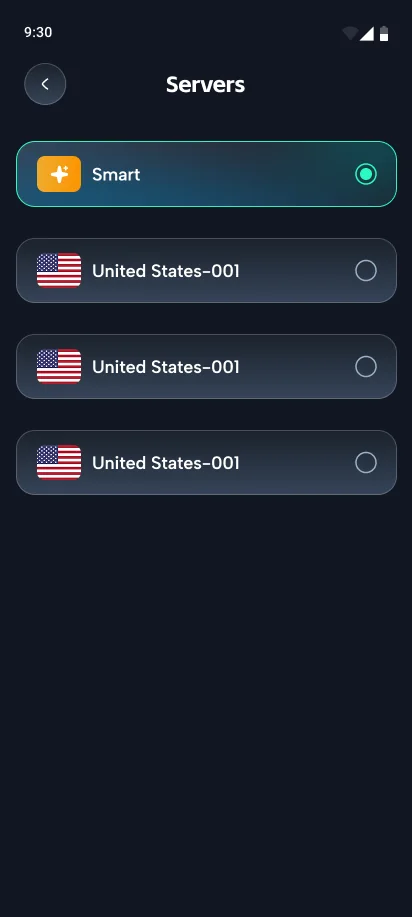
DirftShield VPN brings server selection, connection status, and network details into one clear interface. Start an encrypted tunnel with one tap and stay informed as you go.
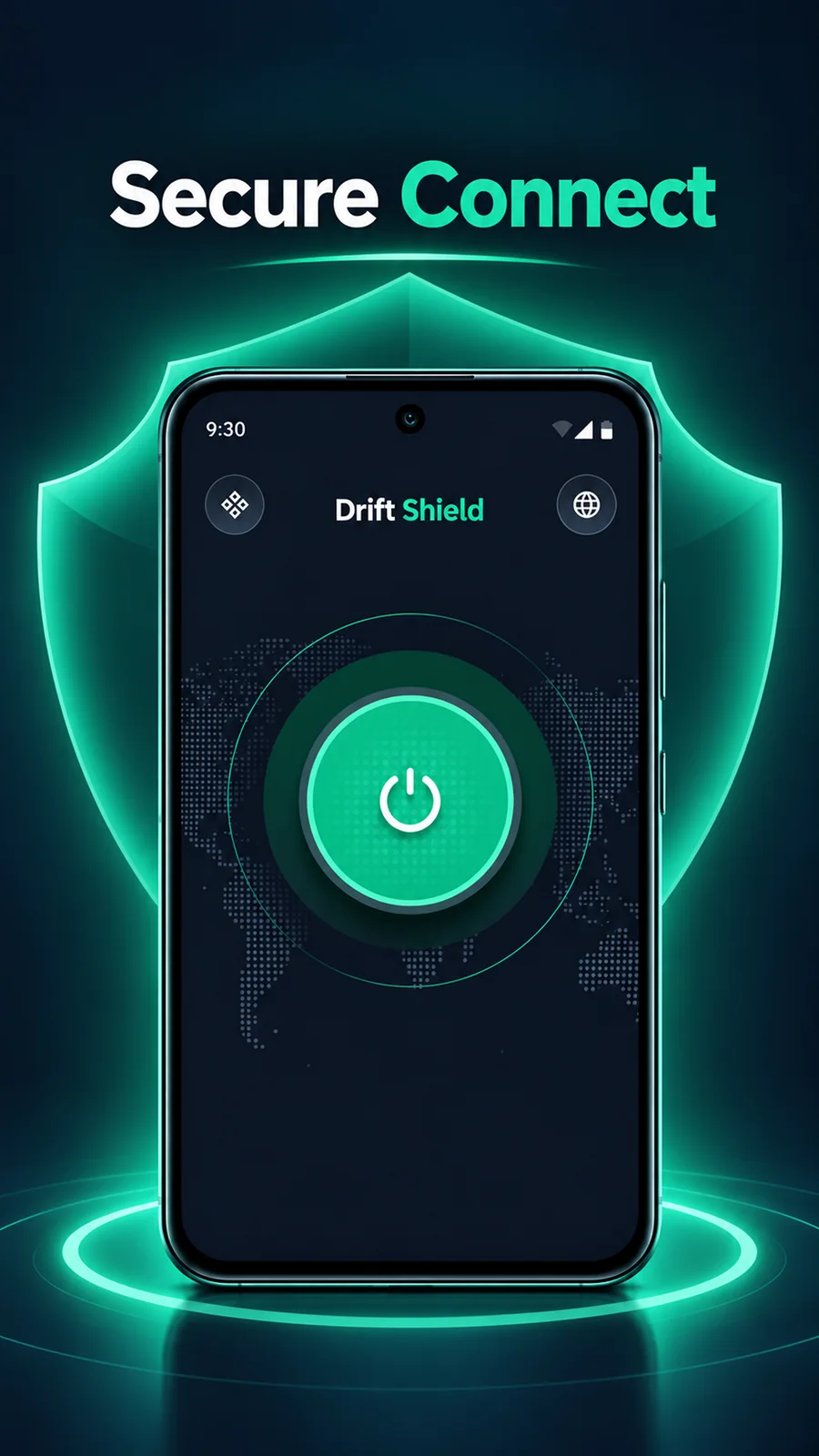
BUILT FOR EVERYDAY CONNECTIONS
From choosing a server to checking your exit IP, everyday VPN controls and details are easy to find.
Let Smart Select choose for you, or pick from four US server options. The app reconnects automatically when you switch servers.
Smart Select + 4 US server optionsView live status and session time. A background service helps keep you connected, with easy disconnect and retry controls.
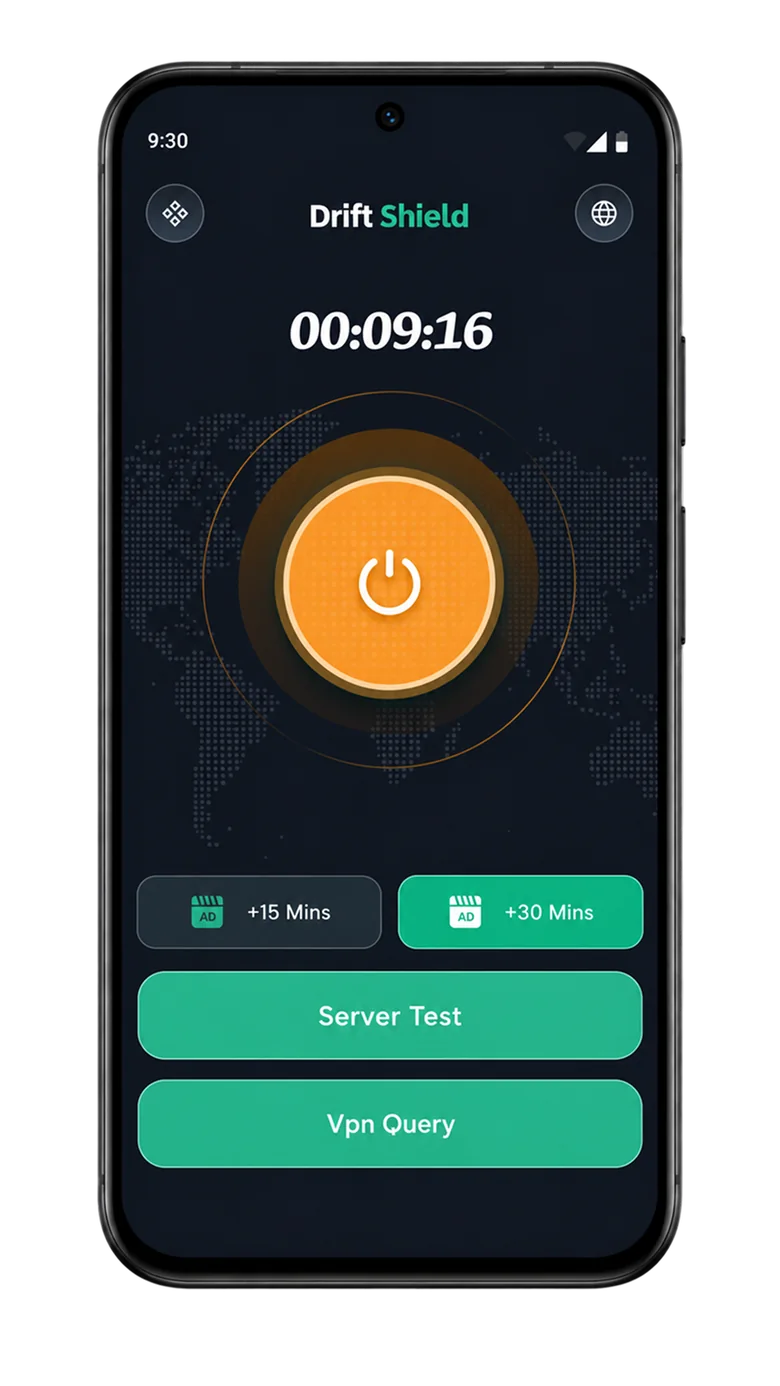
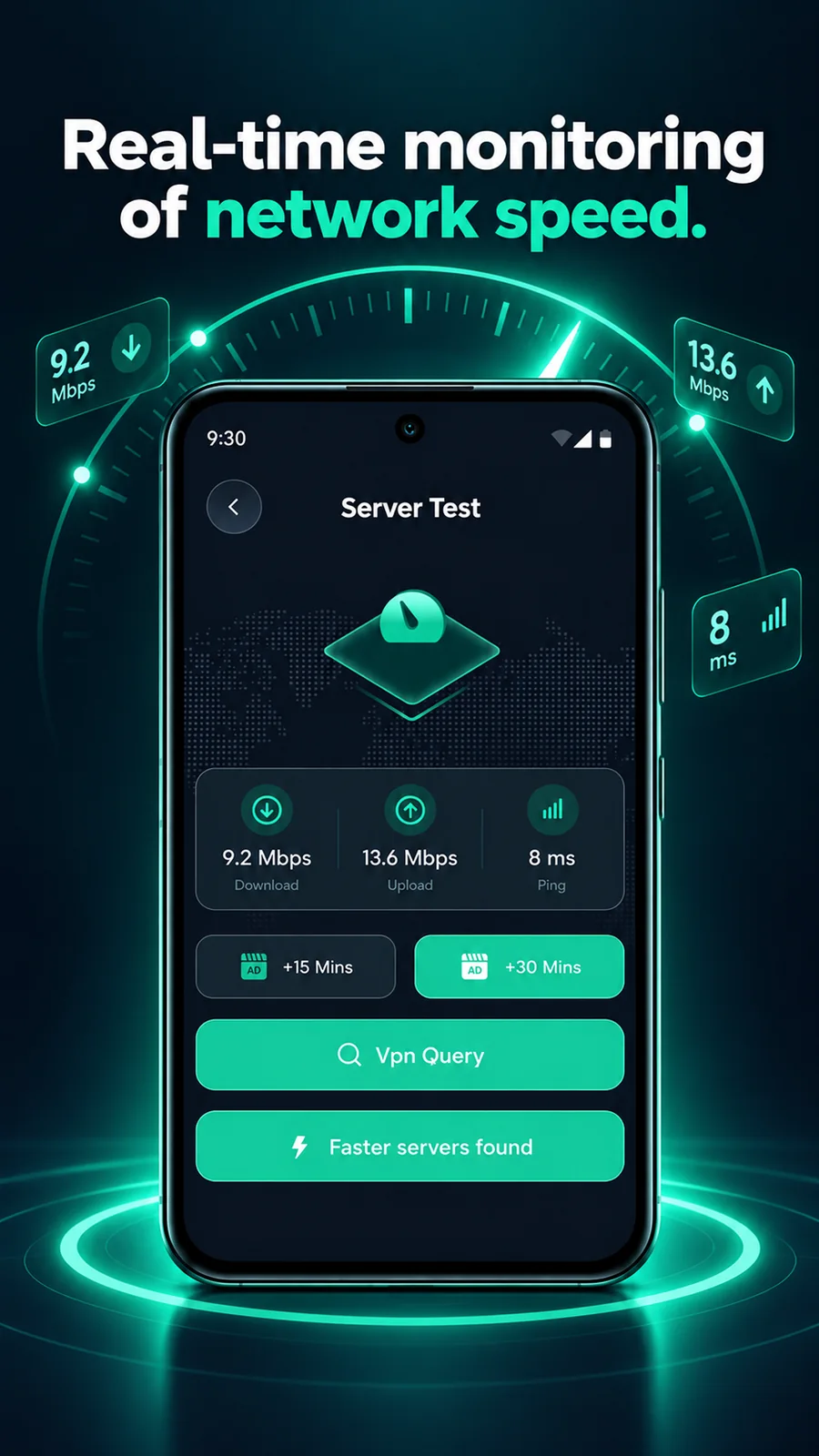
Check download and upload speeds, latency, exit country or region, provider, IP type, and VPN status.
SIMPLE BY DESIGN
No complicated setup. Pick a server, tap to connect, and keep the information you need close at hand.
Get the appUse Smart Select or choose one of four US server options.
Start an encrypted VPN tunnel from the home screen, and disconnect whenever you want.
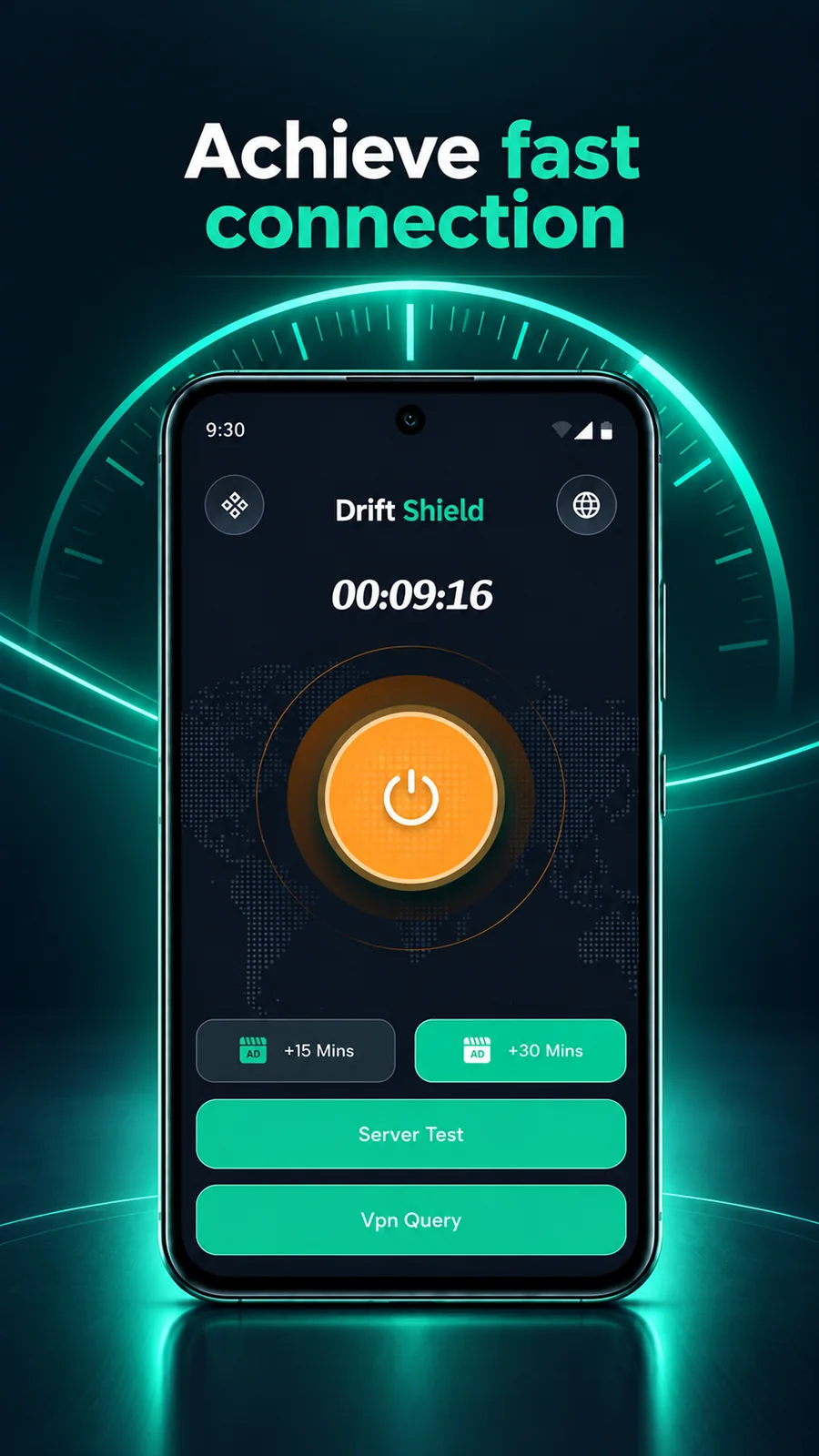
See session time, speed, latency, and exit IP details. If a connection fails, follow the message and retry.
A CLOSER LOOK
PRIVACY FIRST
DirftShield VPN is designed with privacy in mind and does not store your browsing activity. It uses Android's VPN service to create an encrypted connection that you can start or stop at any time.
Read Privacy PolicyGOOD TO KNOW
A few essentials before you get started.
DirftShield VPN supports Android 7.0 and above.
Yes. Use Smart Select or choose from four US server options. The app reconnects automatically when you switch servers.
The app shows a clear failure message and lets you retry the connection.
Email [email protected].
READY WHEN YOU ARE
Download DirftShield VPN and take control of how you connect.